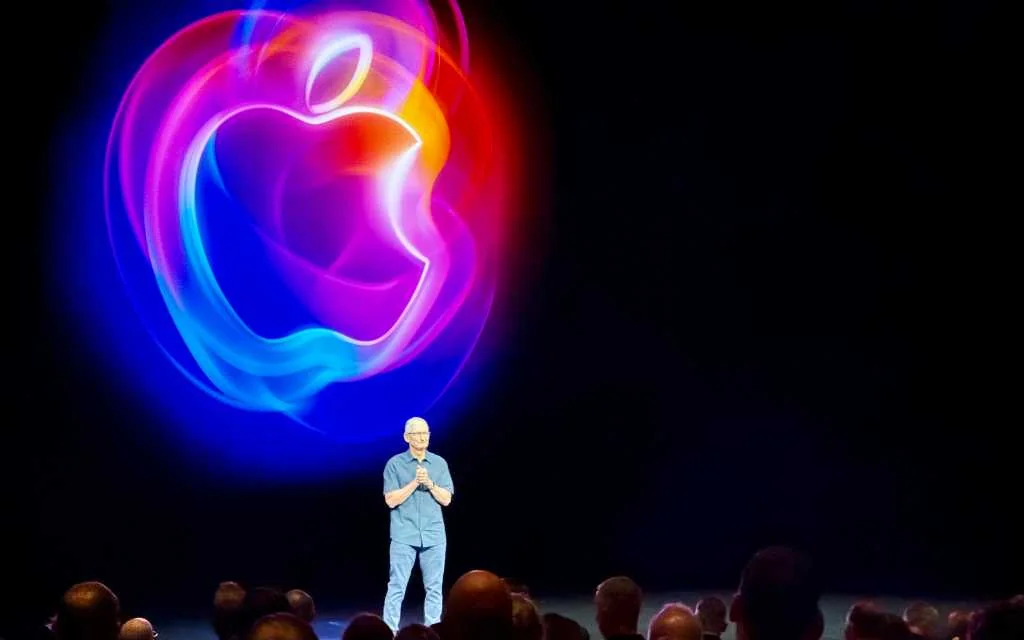
Apple opened WWDC with macOS 27 — Golden Gate — a relatively restrained follow-up to last year’s Tahoe that focuses on polish: finer visuals, a rebuilt search, and deeper Apple Intelligence plumbing. If Tahoe felt like a loud redesign experiment, Golden Gate reads like the tidy-up memo that should have come next.
Small visual fixes with an outsized effect
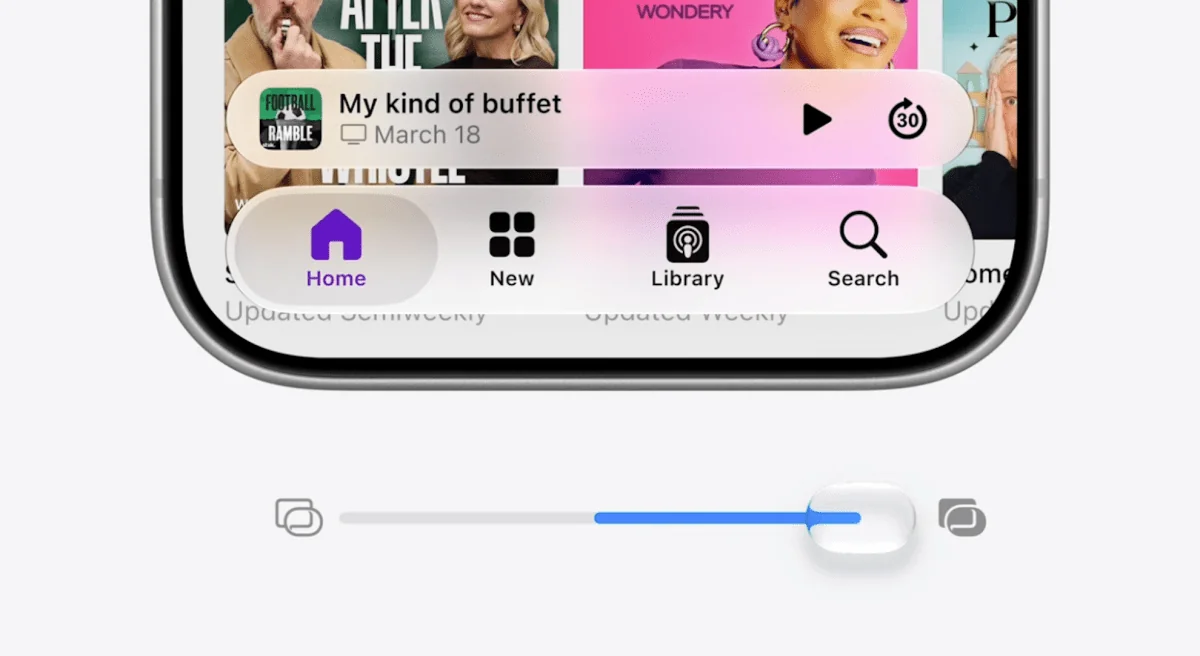
Golden Gate doesn’t rip up Liquid Glass. It tames it. A new global slider lets you dial the opacity of the frosted, translucent effects across the whole system, and window corners get a tighter radius so apps feel more consistent on-screen. Those are the kinds of tweaks longtime Mac users wanted when Tahoe landed: familiar, visible changes that don't shove the Mac into a tablet skin.
Apple also says it improved readability by reworking where transparency and shadows are used — less haze where text needs to be sharp, more depth where it helps. If you’ve been grumbling about the new visual choices, the update aims to be the compromise: keep the aesthetic, lose some of the friction. For a deeper look at the Liquid Glass fixes Apple is prioritizing, see the earlier rundown on how macOS 27 will tune Liquid Glass and give Safari an AI tidy-up macOS 27 will tune Liquid Glass and give Safari an AI tidy-up.
Search, smarter and faster
Under the hood, search is getting a notable rebuild. Apple says the new indexing infrastructure will index more content on-device and pick up new files almost immediately, which should make Spotlight feel less like a hit-or-miss lookup and more like a reliable filing cabinet. Spotlight itself gets targeted improvements inside apps such as Photos and Mail, where searching for moments, faces and messages should be snappier and more accurate.
This is the sort of performance-and-polish work that has fans wistful for Snow Leopard: fewer flashy features, more stability and speed. Rumors from multiple reporters suggested Apple prioritized that kind of quality-first approach across macOS 27, and the search overhaul is a high-impact example.
Siri, Apple Intelligence and app-level smarts
Apple used WWDC to widen the platform's Apple Intelligence architecture — not just for flashy consumer features but to give apps and system services a consistent backbone for AI features. Expect Siri to be smarter and more capable on the Mac too; Apple has been working toward a bigger Siri revamp (including a standalone Siri app and tighter business integrations), and much of that work folds into macOS 27 via shared intelligence services. If you're tracking Apple’s voice and assistant strategy, there’s relevant background on the company’s plans for a standalone Siri app and business hub Apple to Ship a Standalone Siri App and New Business Hub — and Let You Pick Which AI Answers.
Developers will see a "bold new architecture" for Apple Intelligence that should make it easier to build context-aware features that run locally when possible. Apple is still emphasizing privacy-first processing, but it is clearly racing to close the gap with rivals on assistant utility.
The Intel story: a long goodbye
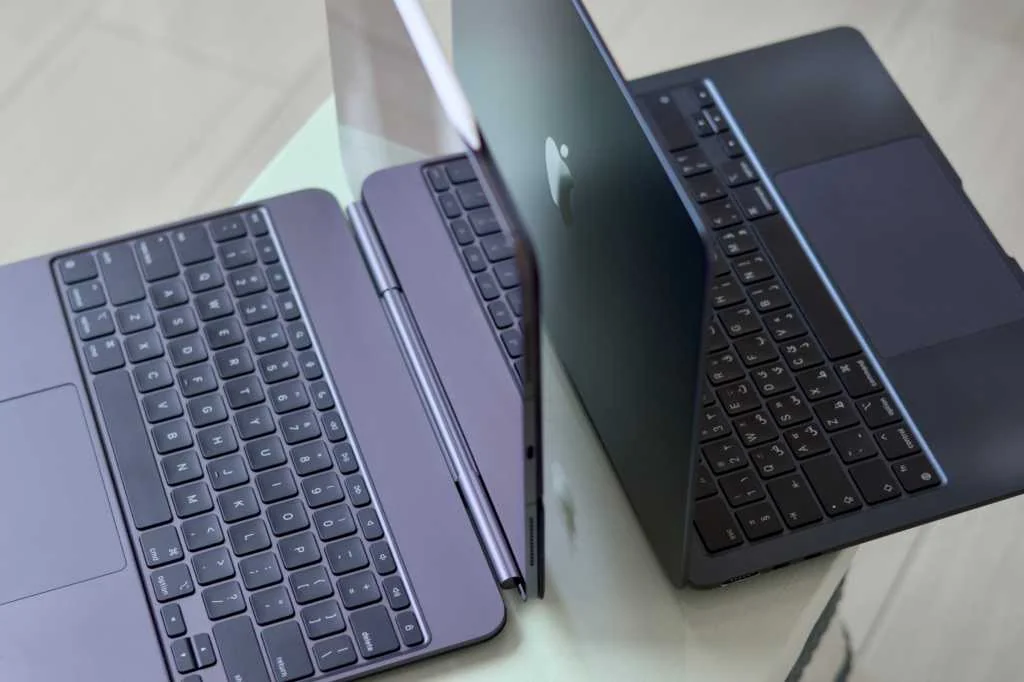
WWDC also made the breakup with Intel official in tone if not in drama. macOS 26 Tahoe was the last major release to include native Intel support; Golden Gate continues the Apple Silicon era. Apple promised three years of security updates for remaining Intel machines, but the company’s message is clear: this transition is over and developers should prioritize Apple Silicon.
To smooth migration there’s still Rosetta translation for Intel-only apps, but Apple is signaling a wind-down: Rosetta will be kept for legacy apps that won’t be updated, while developers are expected to ship Apple Silicon-native or universal builds going forward. That shift was foreshadowed in the run-up to WWDC, where analysts noted Rosetta’s role as a temporary bridge; it’s now becoming explicitly transitional. If you rely on older Intel-only apps, this is a good moment to check compatibility and ask your vendors for native builds.
For users and developers: what to do next
For average Mac owners, macOS 27 will likely feel like an incremental but meaningful refinement — clearer UI, faster search, some smarter system features. For power users and professionals who kept Intel Macs because of specific apps, the practical takeaway is the same one Apple has been giving for years: plan to migrate to Apple Silicon, or at least confirm your apps will continue to be supported via universal binaries or long-lived Rosetta exceptions.
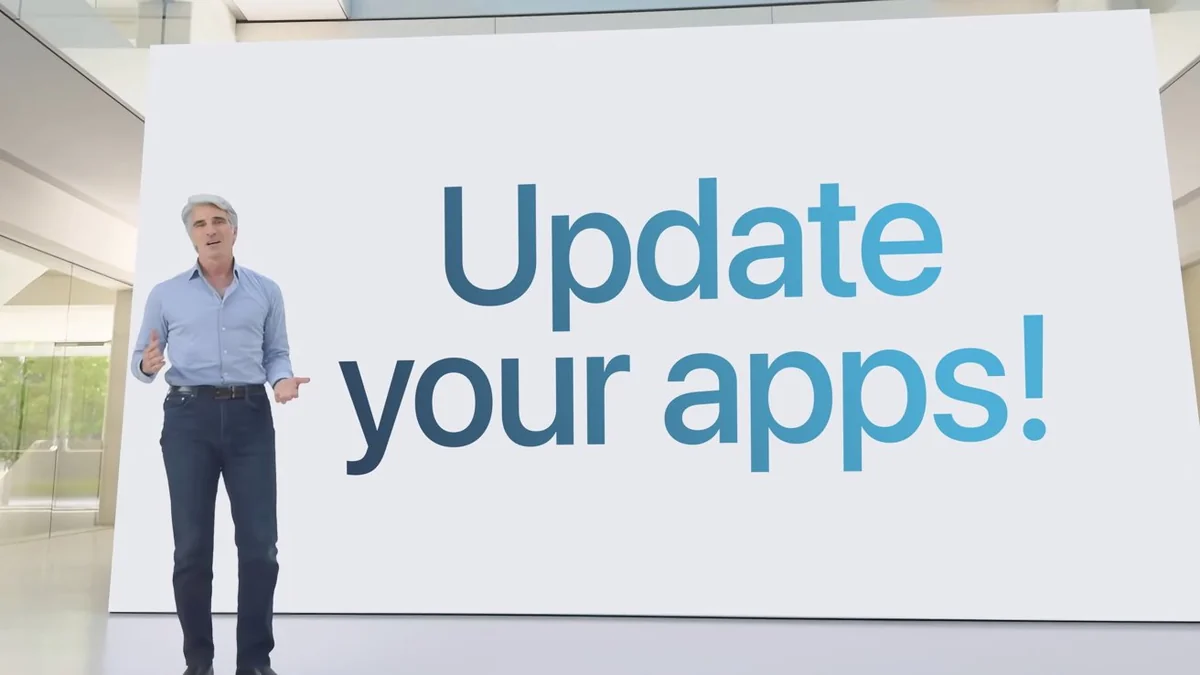
Developers should prioritize native Apple Silicon support if they want to avoid future translation limits. Public reports suggest a sizable chunk of apps are already native, but pockets of Rosetta-only software remain. If you make or maintain apps, treat Golden Gate as both an opportunity and a deadline: polish your macOS experience now while the OS is still stabilizing around the new design language and AI platform.
WWDC’s macOS 27 felt less like a flashy reveal and more like a course correction — the kind of release that has enthusiasts nodding and IT departments quietly marking upgrade timelines. The visual fixes make the interface less controversial, search gets more useful, and the Apple Silicon direction is unmistakable. If Golden Gate succeeds, it won’t be because it introduced a single great feature; it will be because it made the Mac feel like something Apple finished thinking about.