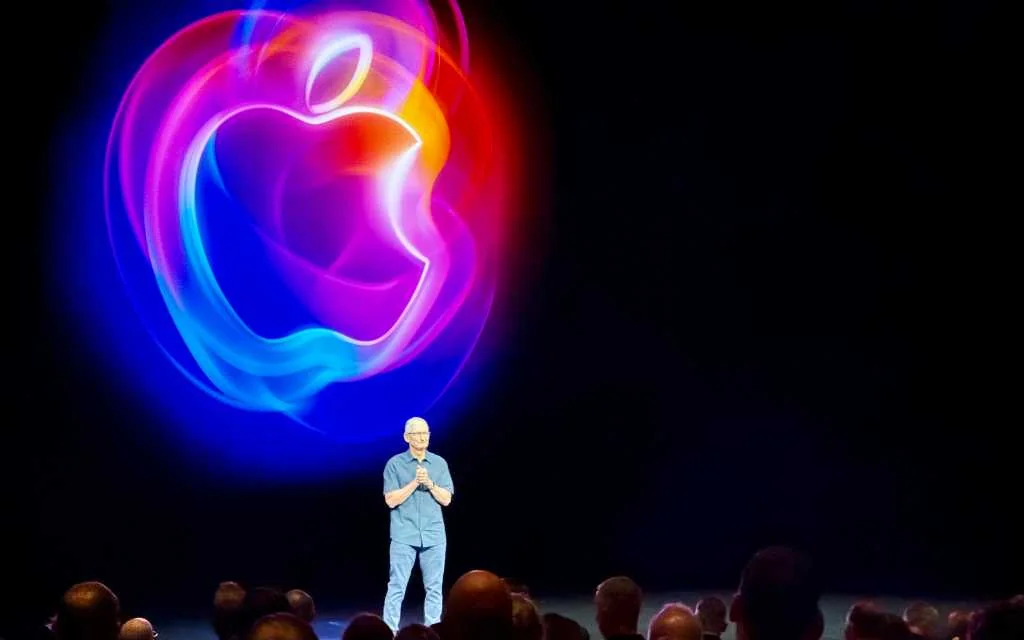
If you installed the first macOS 27 developer beta, you probably noticed two things quickly: a new, chatty Siri tucked into a dedicated app, and a Mac interface that’s trying hard to undo last year’s missteps.
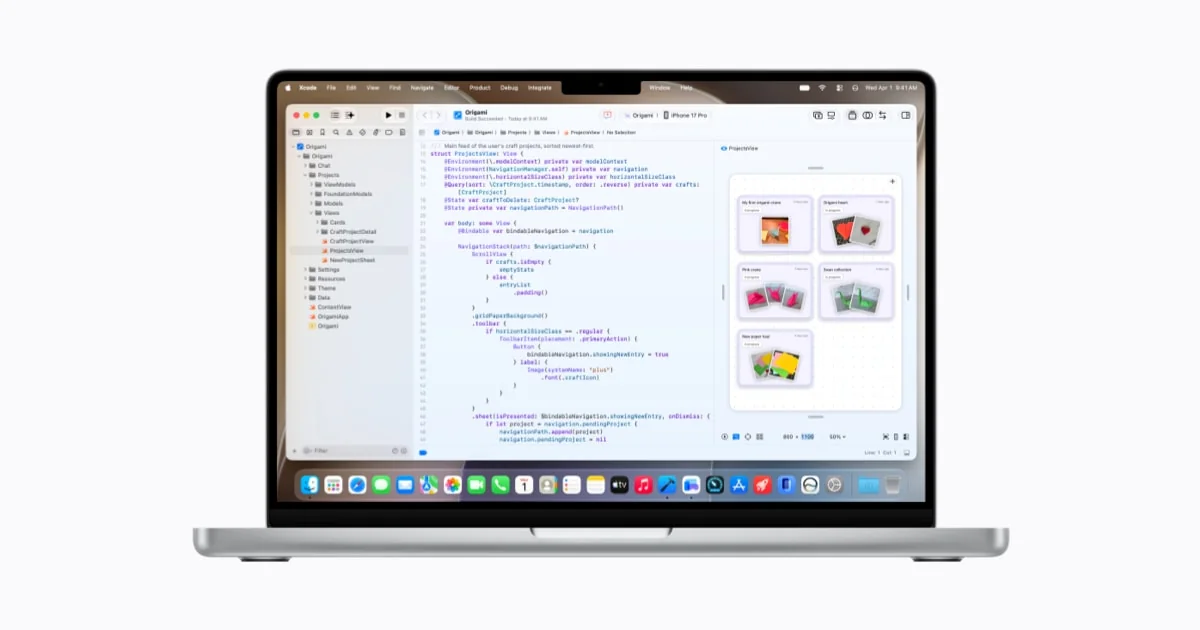
Apple’s Golden Gate release is less about flashy one-off features and more about course-correcting. The company has tightened Liquid Glass, restored clearer toolbars and sidebars, and standardized window radii — changes that designers and developers cheered inside Apple Park. At the same time, Siri has been reborn as “Siri AI”: a conversational assistant that can see your screen, pull context from Mail and Messages, and even help build Shortcuts from plain English.
Siri AI is in the beta — and some people are bypassing the waitlist
Developers can try Siri AI on the macOS 27 beta today. It’s systemwide: you can summon it from Spotlight, right‑click a file and ask for help, or carry on a back‑and‑forth chat in the standalone Siri app Apple showed off at WWDC. Under the hood, Apple leaned on an external foundation-model partnership to power the upgrade, giving Siri much better language, vision, and generation skills than before.
That enthusiasm has a wrinkle: Apple is gating access with a waitlist as it scales server capacity. A Terminal workaround has been published by testers that flips a feature flag and turns on Siri AI immediately in the beta. The command that’s circulated looks like this:
sudo defaults write "/Library/Preferences/FeatureFlags/Domain/GenerativeModels.plist" "EnhancedSiriWaitlist" -dict-add Enabled -bool NO
If you try that, be careful. Developer betas are unstable by design and intended for test machines, not your daily driver. There’s also an ethical and practical argument: the waitlist exists partly to throttle demand while Apple ramps backend capacity. Skipping the line might degrade the experience for others or, in theory, create account complications if Apple decides to enforce access controls.
Who can run Golden Gate (and which Macs get the good stuff)
macOS 27 is M‑series only — Apple confirmed that Intel Macs have reached their final OS update. Any Mac with M1 or later can install Golden Gate, but some advanced AI modes require newer silicon and more memory. Certain features, like the most sophisticated Voice Mode and heavier on‑device processing, work best on M3 machines with at least 12 GB of RAM.
That means many M1-era portables and desktops can run the OS and the new Siri, but a subset of higher‑end AI capabilities will be effectively limited to more recent hardware.
A quieter, steadier OS cycle — and a mea culpa for Tahoe
Apple’s tone this year feels deliberate. After a hurried pivot into AI and a controversial Tahoe redesign, Golden Gate reads like a “fix things” release. Developers have been reminded — gently but firmly — not to repeat Tahoe’s menu-icon excesses, and Apple updated its guidance to discourage gratuitous icons in menus.
The visual changes aren’t mere cosmetics. They’re attempts to restore clarity: sidebars gone to the very edge of windows, toolbars made useful again, and a transparency/refraction tweak in Liquid Glass that makes foreground text easier to read. If you want more on how Apple is tuning those visuals, there’s a deeper look at the Liquid Glass tweaks exploring these refinements [/news/macos-27-liquid-glass-tweaks].
Shortcuts, Safari and “AI that actually helps”
One of Golden Gate’s more interesting moves is baking the generative model into automation. Shortcuts can now be authored from natural language — type something like “Create a daily summary of my calendar and to‑dos at 7 AM” and the system will build a working shortcut for you. It’s not flawless, and third‑party app support is limited for now, but it’s a practical example of AI lowering the barrier to automation.
Safari also gets AI‑driven tab Topics and a new Custom Extensions feature where you describe an extension in plain language and the system helps generate it. And yes, Apple’s roadmap includes a standalone Siri app and business‑oriented hubs that fold into this broader vision [/news/apple-siri-app-apple-business-ios-27].
Privacy, regions and reality checks
Apple emphasizes privacy as a differentiator for its AI work, but availability isn’t uniform. Region and regulatory issues affect how and where Siri AI rolls out on different devices. The situation varies by platform; for example, certain jurisdictions or product lines may get delayed access due to local rules.
Also remember: developer betas are for testing. Apple’s public beta will arrive later, and the final consumer release is planned for the fall. Running betas on primary machines is a gamble — back up first.
What it feels like to use Golden Gate
Boot Golden Gate and you’ll notice the small stuff first: smoother animations, clearer icons, toolbars that don’t hide useful commands. Put Siri AI to work and the changes become tangible: it can summarize documents, act on selection in Finder, and help craft automations with surprisingly little hand‑holding. That combination of polish and practical AI is the release’s strongest point.
Apple’s approach this cycle is modest but meaningful: fewer headline-grabbing experiments, more attention to the details that make the Mac pleasant to use again. That’s a different kind of excitement — quieter, but likely more enduring.
If you’re tempted to try Siri AI today, do it on a spare machine, back up, and weigh the tradeoffs before toggling unofficial flags. The beta will teach Apple just as much as it teaches early adopters.