If your iPhone could do chores, Siri just learned a few new tricks.
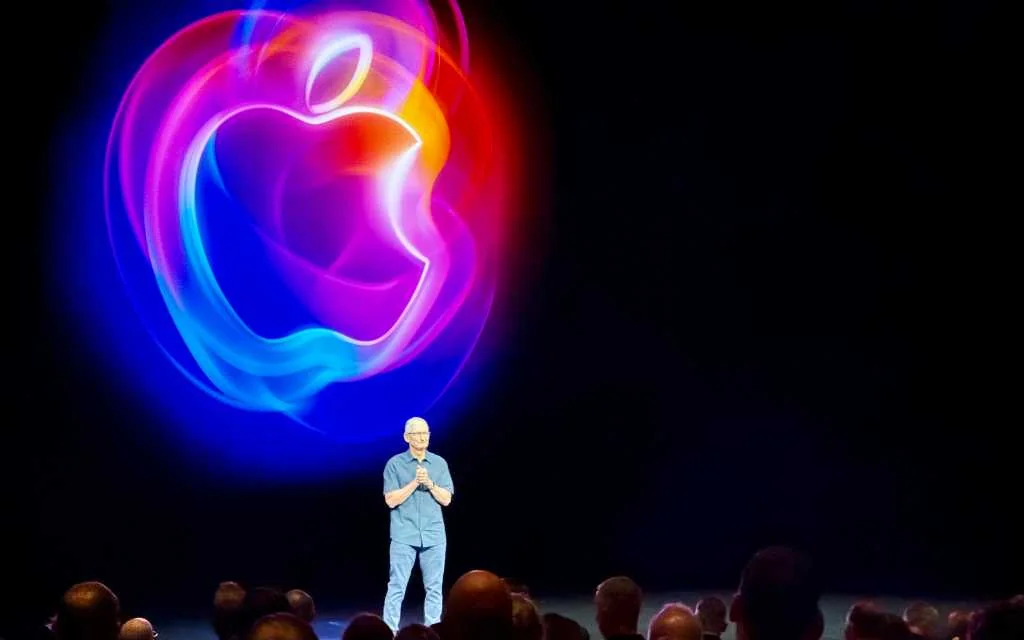
Apple’s WWDC push for 2026/27 leaned less on flashy redesigns and more on stitches that actually make daily life smoother: a much smarter Siri powered by Apple Intelligence, generative photo edits, faster app and photo performance, and a raft of service updates from Maps to Wallet. Developers can test the builds now; public betas land next month and a full release is expected alongside Apple’s usual September hardware splash.
What’s driving the update
The theme here is “intelligence + polish.” Rather than reimagining the interface again, Apple focused on tighter system integration and on-device smarts where possible. The improved Siri—branded internally as Siri AI—can read context from Mail, Messages, and Photos, perform cross-app actions, remember prior conversations, and suggest helpful actions without you asking.
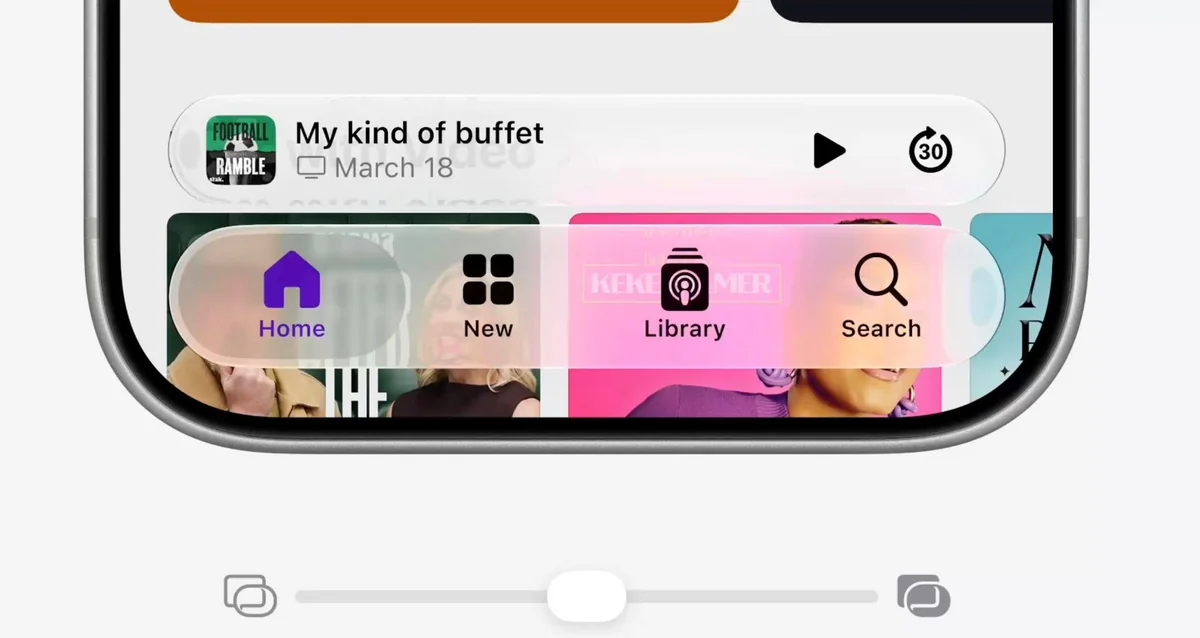
That new Siri is the headline feature, but it’s backed up by practical upgrades: faster app launches (Apple claims up to 30% faster), photo libraries that load far quicker, and AirDrop speeds that Apple says can jump dramatically. macOS Golden Gate tucks similar fixes into the desktop, along with Liquid Glass tweaks for better legibility and adjustable transparency—building on the refinements Apple started in iOS 26.4 (where Liquid Glass was softened and clarity improved).
See more about macOS refinements in this earlier coverage: macOS 27 will tune Liquid Glass and give Safari an AI tidy‑up.
Siri AI: context, actions, and a new app
This iteration of Siri is conversational and contextual. Instead of one-off replies, Siri AI can:
- Search your messages and photos to answer questions like “Which show did Mark recommend?”
- Surface Call Context during a call (emails, notes, or schedules that matter to the conversation)
- Chain tasks across apps (find a concert, set a reminder for the ticket lottery, and play the artist on Apple Music—all in one thread)
- Automatically find and fix compromised passwords by generating and saving stronger replacements in Passwords
- Image expansion: extend a photo beyond its original border, with AI filling in believable content
- Object removal at a larger scale while retaining texture and lighting
- Reframe: change perspective and let AI recreate new surrounding pixels
- Enhanced Image Playground for prompt-based generation and style transfers
- macOS Golden Gate: Liquid Glass tuning, edge‑to‑edge sidebars, better Mission Control animations, HDR system UI, and more high‑res external display modes.
- iPadOS 27: optional persistent menu bar, iPhone app resizing on iPad, extra-large Today widgets, and faster Files transfers.
- watchOS 27: dynamic app grid, new Smart Stack suggestions, guest keys, better step tracking, and battery efficiency improvements.
- tvOS 27: smart downloads, bigger text options, and smoother app launches; Apple Music Hi‑Res Lossless arrives on Apple TV.
- visionOS 27: panorama-based Environments, extra-small widgets, improved Control Center, and multiple tab views in Safari.
Apple is also rolling out a dedicated Siri app where interactions and short-lived conversations can be stored and managed. Developers initially access Siri AI via a waitlist in the developer beta; some features will require newer hardware and certain regions will see restrictions at launch. For background on Apple’s broader Siri strategy, see: Apple to Ship a Standalone Siri App and New Business Hub.
Important caveats: not every iPhone gets the full suite. Devices that launched more recently—those with greater RAM and newer neural capabilities—will get the most advanced on‑device models and voices. The EU rollout is limited at first because of regulatory differences.
Photos get generative tools and practical polish
Photos in iOS 27 gain a surprisingly capable set of AI editing features:
Apple also adds smaller but useful touches: star ratings, searchable metadata (keywords), the ability to save a slideshow as a video, and a new Identity Documents collection. These are the kind of quality-of-life improvements that nudge photos from being merely stored to being genuinely usable.
Wallet, Apple Cash, and real-world shortcuts
Apple Wallet isn’t just a place to tap and pay this year. iOS 27 introduces Visual Intelligence-powered bill-splitting: point your iPhone at a receipt (or use a photo) and the system parses items, tax, and tip so you can split the exact amounts via Apple Cash. Siri mode in Camera surfaces that action automatically.
Wallet also gets better pass capture—scan a barcode on a loyalty or membership card and you’ll be prompted to add it to Wallet—and enhanced hotel keys that surface trip details and in-stay services.
Maps, Find My, and Podcasts
Maps expands Flyover with AI-enhanced aerial imagery and introduces Local Lists (U.S. first) that surface trending, locally relevant places. Find My gains flexible sharing windows—share your location for minutes, hours, days, or until a set date/time—and a consolidated, map-centric Find My app on Apple Watch that supports Precision Finding for compatible devices.
Apple Podcasts brings video playback to Mac and tvOS (picture‑in‑picture on Mac), plus a “search within show” feature so you can hunt down the episode you want faster.
iCloud, Shared Albums, and media handling
iCloud Shared Albums get a real bump: full-resolution photos and videos, broader file support, emoji reactions, per-album activity, and temporary albums for short-term projects. Apple also said many iCloud+ plans will offer higher daily usage limits for Apple Intelligence features like image generation and enable camera support for on-device intelligence.
Mac, iPad, Watch, TV, and visionOS highlights
Also neat and small: Messages gains a full Markup-style Drawing option in the app drawer (hi-res drawing for quick doodles), and macOS adds Markup to Notes and Freeform—handy for sketching without leaving the conversation.
Safety, parental tools, and security
Apple broadened parental controls with category-based limits (Entertainment, Games, Social Media), Ask to Browse for unfamiliar websites, and stronger Communication Safety filters to block sexual or violent content for child accounts. On the security side, Siri’s automatic password replacement promises to cut down on a common vulnerability if users keep credentials in the Passwords app.
Performance and availability
Developers can download the iOS 27 and macOS Golden Gate betas now. Apple’s announcement says public betas arrive next month; the release candidate traditionally appears in early September with a general rollout timed to the new iPhones later that month. Some outlets predict a mid-September launch window.
Device support is broad—Apple confirmed that every iPhone running iOS 26 will be supported for iOS 27—but the most advanced AI features will be limited to newer models capable of running Apple’s heavier on‑device models.
Why this matters
What Apple showed at WWDC feels iterative but practical: Siri shifts from a helpful set of tricks to a workspace-savvy assistant, photos become editable in ways that used to require desktop apps, and everyday tasks—splitting a bill, adding a loyalty card, finding a lost device—get shorter paths from thought to action. It’s less razzle-dazzle and more friction-reduction, which for most people will mean a smoother phone rather than a dramatically new one.
If you’re chasing new toys, the generative photos and Siri AI will be the headline grabs. If you care about daily speed and fewer little irritations, the performance and Wallet/Find My improvements are the ones you’ll notice every day.
For a look back at how Apple softened and tweaked Liquid Glass earlier this year, and why those design choices matter, see our coverage of the iOS 26.4 changes: iOS 26.4 softens Liquid Glass, adds emoji and music tweaks. And if you want deeper context on how Apple is positioning Siri as a standalone experience, revisit Apple to Ship a Standalone Siri App and New Business Hub.
No single feature here screams “revolution.” But stitched together, the updates show Apple leaning hard into integrated AI that’s useful rather than showy—assuming the promised privacy controls, region rollouts, and on‑device performance all land as advertised. That’s what will determine whether iOS 27 feels like a small refinement or a meaningful step forward once millions of users get it on their phones this fall.