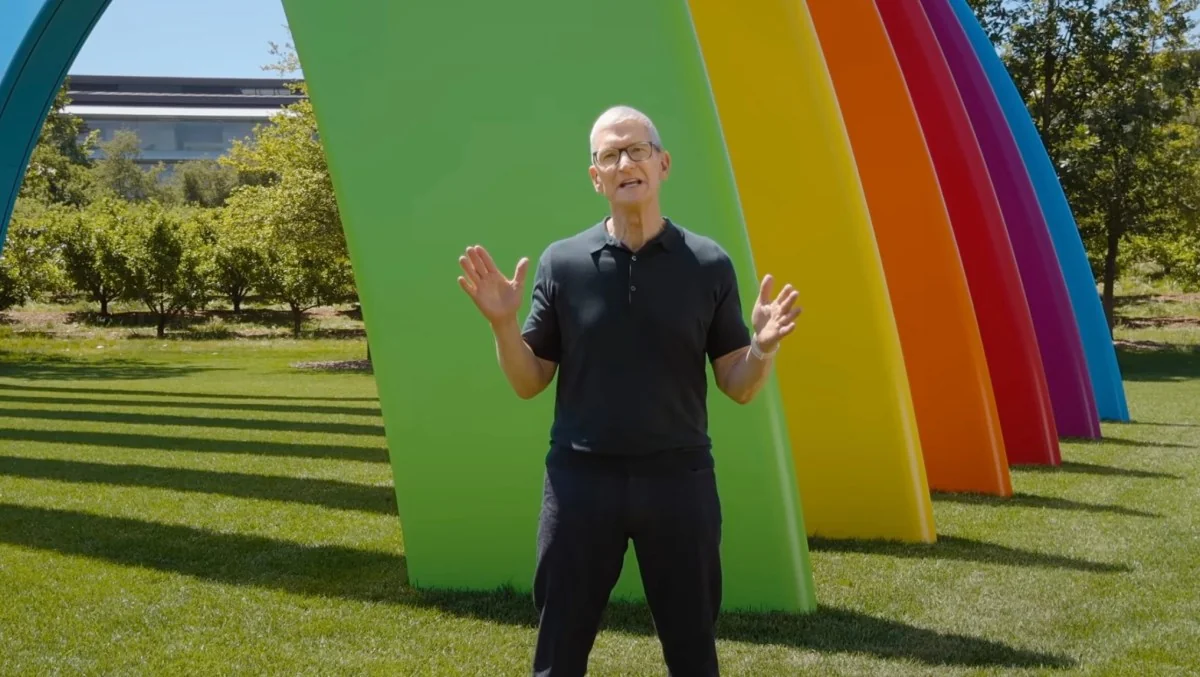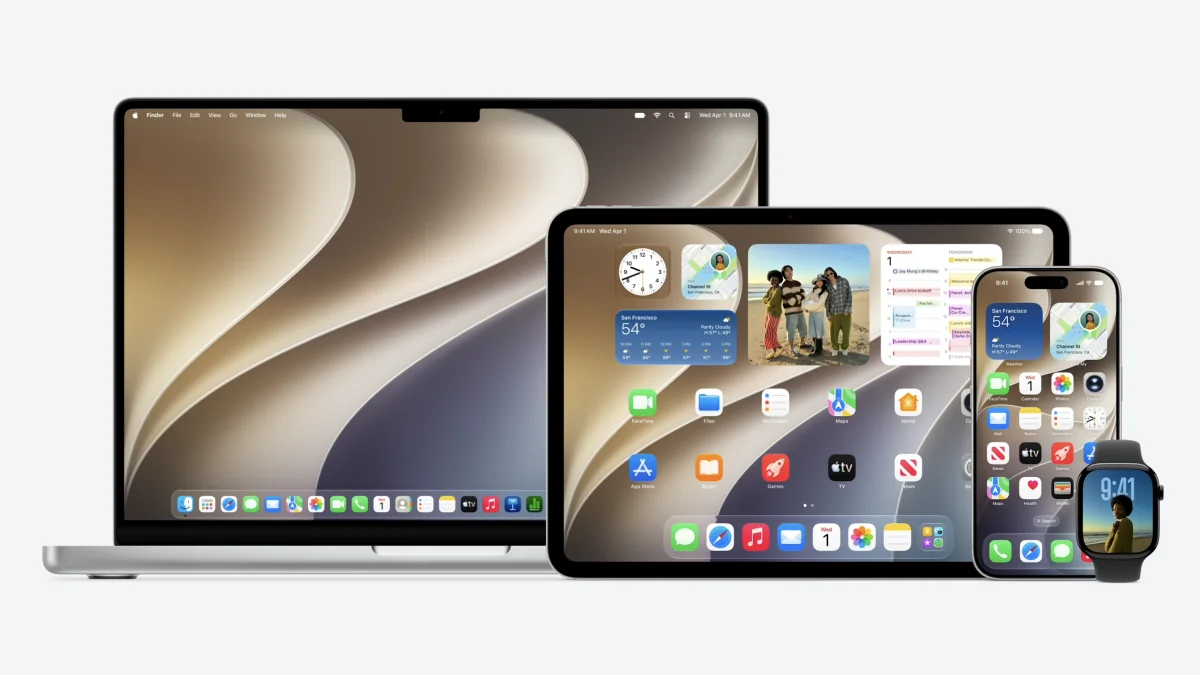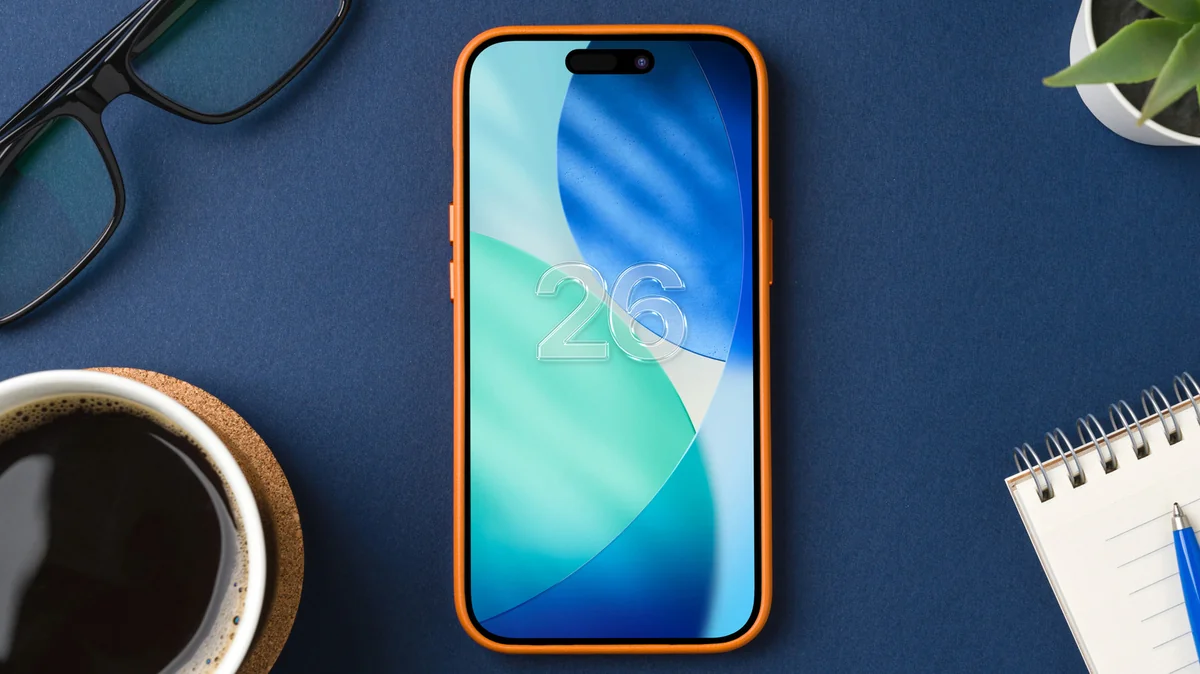
Did anyone else feel a little bit of déjà vu during WWDC? Apple’s iOS 27 keynote read like a highlight reel of capabilities Android users have enjoyed for years — only repackaged with Apple polish and a privacy pitch. That’s not a criticism so much as a reminder: modern mobile platforms are constantly borrowing good ideas from one another.
Apple did announce some genuinely useful changes, but many of them have clear precedents on Android. Let’s walk through what showed up in iOS 27, what Android already had, and which Pixel-first tricks Apple still ought to pinch.
Familiar features, Apple-style
First, the obvious: aesthetics and polish. Apple’s update refines the Liquid Glass look introduced last year with a new transparency slider and smoother system animations. Android OEMs have been shipping customizable transparency and animation tuning since Android 16 — some even added sliders to dial the effect up or down — so the visual direction is less novel than it feels. (If you followed Apple’s earlier Liquid Glass course corrections, you’ll remember how that design has been evolving since iOS 26: iOS 26.4 softened Liquid Glass and added emoji tweaks.)
Under the hood, iOS 27 tightens everyday niceties that Android users take for granted: smoother handoffs between Wi‑Fi and cellular, clearer “still sending” indicators in Messages, and more robust EQ and headphone customization for AirPods. Google’s ecosystem — from built-in EQ on many phones to long-standing password breach alerts in Google Password Manager — has offered these conveniences for a while.
Apple also leaned hard into AI. Siri’s makeover leans on Gemini for better conversation and a new dedicated Siri app that collects your past queries and context. That dedicated hub feels overdue — Android already threads assistant activity into apps like Assistant and Gemini — but Apple’s implementation looks tidy. (Apple has even signaled a standalone Siri experience in other reporting about iOS 27: Apple to ship a standalone Siri app and new business hub.)
Photos and Home both picked up AI-powered features too: automatic album sharing, group albums, context-aware smart home suggestions and video analysis. Most of this reads like catch-up to what Google Photos and Android’s Personal Intelligence have offered for years.
Where Apple clearly borrowed from Android — and improved
- Parental controls: iOS 27’s Time Allowances and granular web-approval flow are a real step forward. They’re closer in spirit to features found in third-party solutions and some Android OEM parental tools, but Apple’s interface feels purpose-built for families.
- Shortcuts and automation: Apple made building automations easier with natural language. Android doesn’t yet have a single, universal Shortcuts-equivalent across all vendors — Google’s Pixel Rules and Samsung’s Routines are useful but fragmented — so Apple’s simplification is worth paying attention to.
- Siri camera mode: point the phone and act on what you see — nutritional info, bill splitting, calendar creation — essentially Lens-like actions integrated right into the stock camera. Android has had Google Lens and Gemini Live for years, but consolidation inside the camera app is a usability win.
- Dynamic Call Handling: Google’s Call Screen has graduated into a genuinely useful gatekeeper that can transcribe, summarize and offer contextual replies or actions. Apple’s existing call filters are less proactive; a more autonomous call agent would matter.
- Generative image editing and pro zoom: Pixel tools like Pro Res Zoom and Ask Photos (text-driven edits that actually produce credible results) demonstrate how generative AI can rescue long-range shots or transform pictures in seconds. Apple’s Image Playground is an interesting step, but Pixel’s practical studio tools are a tough benchmark.
- Task automation at scale: Gemini’s system-level automation — order a ticket, plan a trip from a brochure photo, multi-app workflows — shows an agent acting across apps without hand-holding. Apple’s Shortcuts are powerful, but a background agent that completes multi-step goals end-to-end is the next frontier.
- Clean voice dictation: Google’s Rambler cleans ums, repeats and false starts from dictated text. If Siri’s voice-to-text becomes not only smarter but also cleaner and multilingual in mixed-language conversations, dictation will feel way less clunky.
- Gentle interruption mechanics: Android 17’s Pause Point nudges you away from doomscrolling with a short, thoughtful pause before launching certain apps. Combating distraction doesn’t require heavy-handed limits; it just needs a moment of friction — and it works.
Still, Apple isn’t the only borrower here; Android vendors have been aggressive about shipping polished AI features and progressively integrating them across system apps. Google’s push to weave Gemini into widgets, contextual buttons and proactive assistants has been a big part of that effort — a trend worth watching as Apple rolls out its own ecosystem-level intelligence. For background on how Gemini has been threaded into Android, see reporting on Google’s wider Gemini push: Google pushes Gemini deep into Android with proactive AI and widgets.
Things Android still does first — Apple should consider stealing these
Apple’s Siri revamp is promising, but a few Pixel-born features shine as clear opportunities:
Tom’s Guide and others who’ve tested Pixel implementations argue these are practical features that move the needle for real-world usage. Apple would do well to match not just the flashy demos, but the day-to-day polish.
The AI arms race is now also a regulatory and UX test
Both platforms are sprinting: Apple layers Gemini under a privacy and regional-availability umbrella, while Google pushes proactive agentic features widely. That creates two simultaneous challenges. One: delivering useful cross-app automations while keeping user data safe and transparent. Two: shipping features that work reliably for millions, not just in staged demos. Apple’s regional rollout choices for Siri reflect that tension — the company is trying to be cautious about regulatory and privacy constraints.
For users, the result is practical. Expect iOS 27 to feel more capable in everyday tasks, closer to what many Android phones offer today — but Apple will still have to close gaps in agentic automation, live-translation realism, and some of Pixel’s more audacious image and call features.
If you own an Android phone, iOS 27 will look familiar. If you love your iPhone, there’s reason to be excited: Apple is taking the right seams and sewing them together. Either way, the best parts of both platforms seem to be heading toward each other — and that competition is finally delivering features we actually use, not just tech theater.