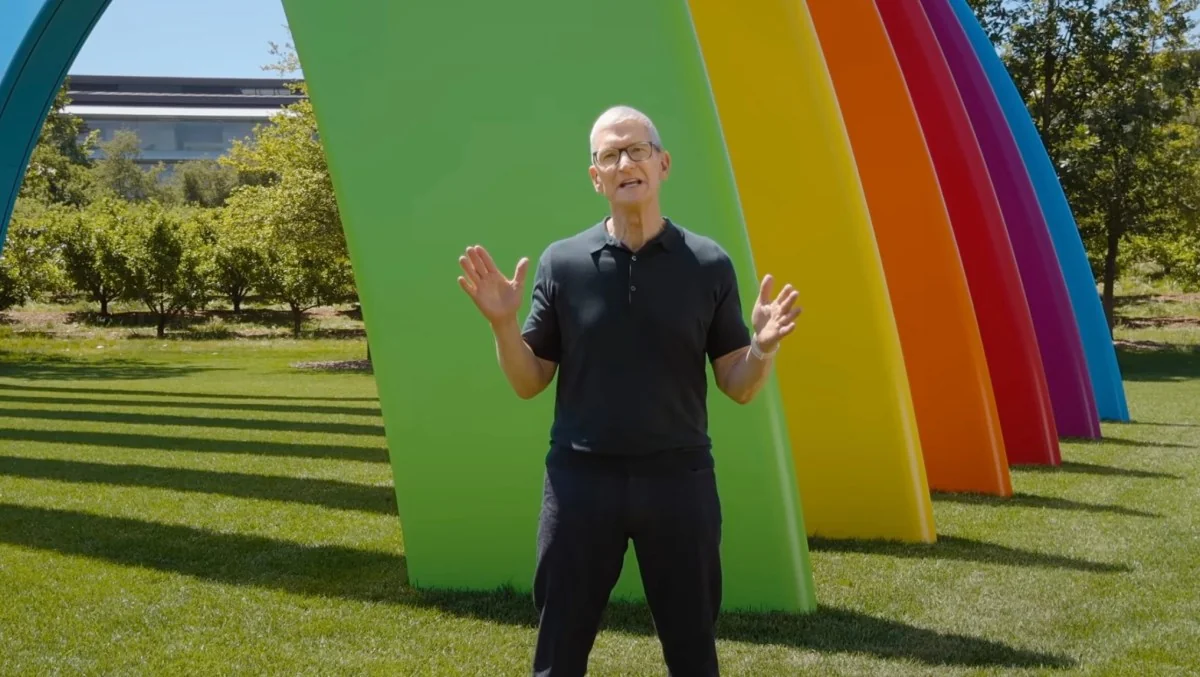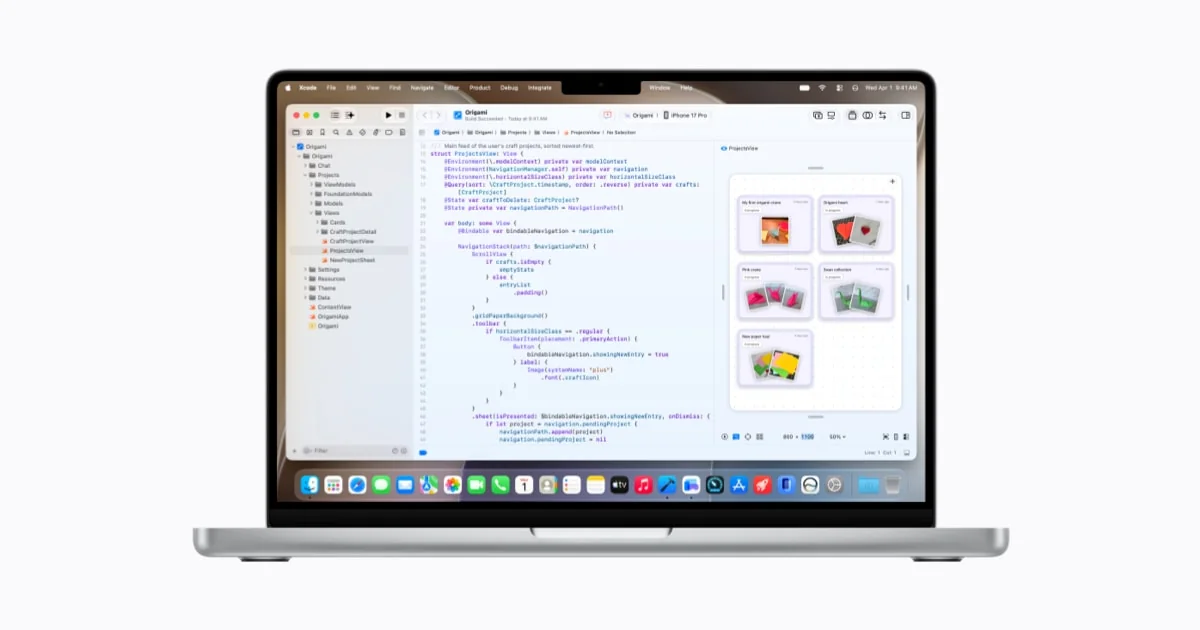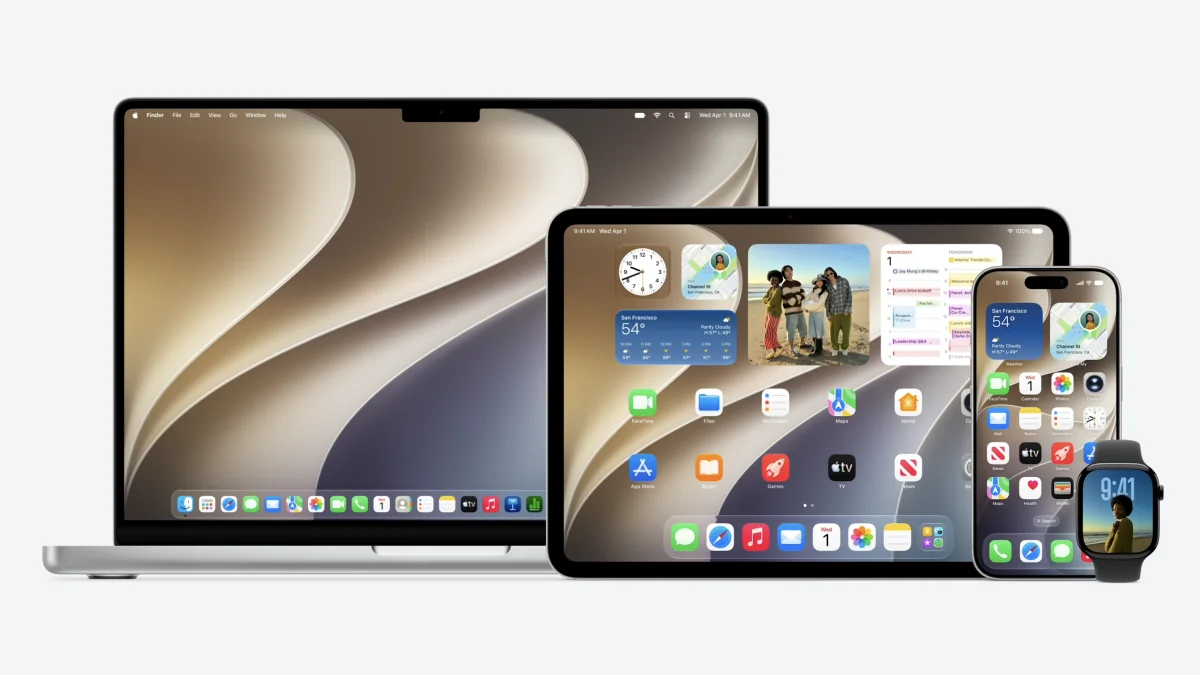
Apple used its WWDC stage to reshape what iPhone software can do. iOS 27 — alongside iPadOS 27 and macOS 27 Golden Gate — is rolling out as developer betas today, with a public beta expected in July and a full release this fall. The headline isn’t that your phone is getting a new wallpaper; it’s that Siri is being recast as a conversational AI, and the whole OS is being tuned for real-world speed.
Siri becomes more than a wake word
Perhaps the boldest change is Siri’s evolution into a chat-style AI agent. Apple is shipping a dedicated Siri app that stores past conversations, lets you pin threads, and lets you continue chats across devices. That turns Siri into something closer to ChatGPT-style assistants — a place to ask follow-ups, revisit previous requests, and hand off context between iPhone and iPad. There’s also a Camera Siri mode: point your camera and ask the assistant about what you see.
This shift comes with hardware caveats. Apple says Siri AI features will roll out first to Apple Intelligence–enabled devices, and some advanced capabilities may be tied to newer chips. For more on Apple shipping a standalone Siri app and what it implies, see Apple to Ship a Standalone Siri App and New Business Hub — and Let You Pick Which AI Answers (/news/apple-siri-app-apple-business-ios-27).
Small changes that actually matter
Alongside the big AI headline, iOS 27 quietly packs dozens of usability tweaks you'd notice after a week of use:
- You can share a single phone number across two iPhones and switch between them, a convenience for anyone juggling a foldable and a standard handset (carrier support may be required).
- FaceTime appears to support using front and back cameras simultaneously.
- Messages gains a simple drawing app and better syncing across devices.
- New extra-large widgets fill an entire app page and display richer data.
- Shared photo albums can now be set to expire on a timer.
- Alarm, timer, alert, and system sound volumes can be decoupled from ringtone volume so alarms won’t blast you unexpectedly.
- Notes accepts Markdown copy/paste, Photos can save a video frame as a still, and Weather adds a Highlights view with updated precipitation and wind info.
There are lots of under-the-hood touches too — smoother unlocking, improved Mail loading, more efficient Safari, better battery insights, and smarter Bluetooth power management. MacRumors and other hands-on reports are already compiling the smaller surprises as testers poke around.
Speed and responsiveness — the workhorse update
Apple is pitching iOS 27 as noticeably faster. Apps should launch up to 30% faster, AirDrop transfers can be up to 80% quicker, and moving files to external drives from iPad is now said to be up to five times faster — bringing iPad behavior closer to Finder on the Mac. Network handoffs between Wi‑Fi and cellular get smarter too, reducing the need for manual tinkering. Those improvements are system-level refinements, not just brighter polish: they change how the device feels day to day.
If you care about performance over flash, this is the release to watch.
Compatibility: good news for iPhone owners, mixed for iPad users
Apple confirmed broad support: iPhones as old as the iPhone 11 will run iOS 27, so no iPhones are being left behind this year. iPad support is trimmed for a few older models, however, so check compatibility before you enroll a tablet in the beta.
How to try the beta (if you’re brave)
Developer betas are available now. To install: enroll in the Apple Developer Program via the Apple Developer app or website, back up your device (betas are buggy by definition), then go to Settings > General > Software Update and opt into Beta Updates to download iOS 27 Developer Beta. macOS 27 Golden Gate follows a similar flow in System Settings > General > Software Update. If you don’t want to join the developer program, Apple plans a public beta in July.
Why this matters
This release doesn’t just add features; it signals Apple’s strategy: bake AI into the interface (not just a sidebar toy), clean up the design language with tunable Liquid Glass controls, and make everyday interactions measurably snappier. The Siri rework could be the most consequential piece — if Apple can balance on-device privacy and the heavy lifting many users expect from cloud AIs.
Expect the next few weeks to be noisy. Developers and early adopters will dig through the betas for limitations, performance caveats, and the inevitable feature footnotes. Meanwhile, for a closer look at how Liquid Glass and macOS tweaks are shaping up, see macOS 27 will tune Liquid Glass and give Safari an AI tidy-up (/news/macos-27-liquid-glass-tweaks).
If you try the beta, bring patience, a backup, and a willingness to report bugs — this is the moment Apple hopes to turn a pile of engineering wins into everyday improvements you actually notice.