Want your AI to know your travel plans, shopping tastes and which photos to pull up — without you typing every detail? Google is expanding Gemini’s Personal Intelligence feature across most of the world, bringing a deeper layer of context to its assistant while also stirring familiar questions about control and data handling.
What’s being released
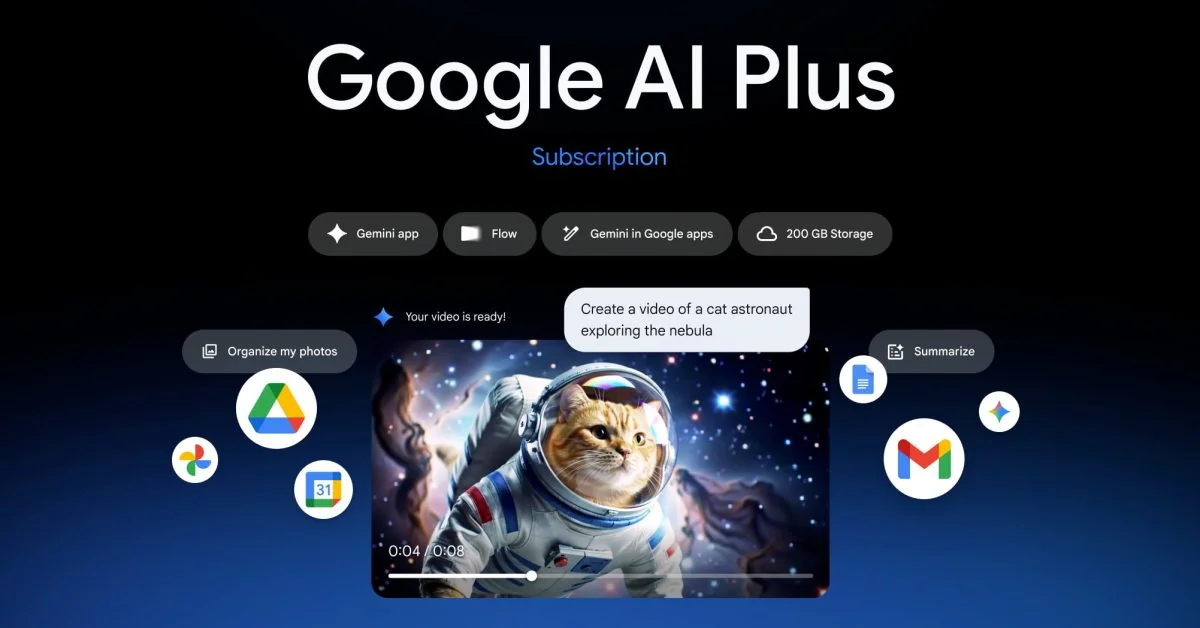
Personal Intelligence connects Gemini to your Google data — things like Gmail, Google Photos, YouTube watch history, Search, Maps and Workspace apps (Calendar, Drive and more). The idea is straightforward: instead of asking the same clarifying questions over and over, Gemini can reach into your own content to answer things like “Do I have that flight booked?” or “What size tires fit my car?” and produce recommendations shaped by your past purchases, saved routes and photos.
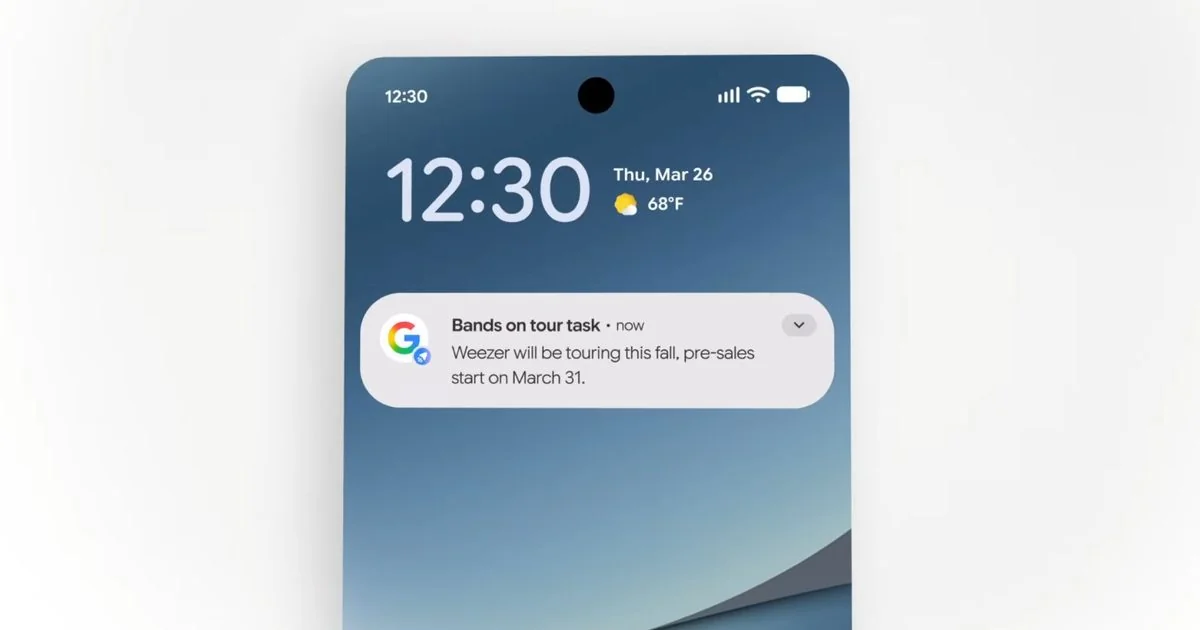
Google showed practical examples: tailored shopping suggestions that match a recent purchase, troubleshooting steps keyed to the exact device model found in a receipt, layover restaurant suggestions that factor in gates and walking times, and custom travel itineraries based on your interests. The company says Gemini will also cite which personal sources it used so you can verify details.
Who gets it first
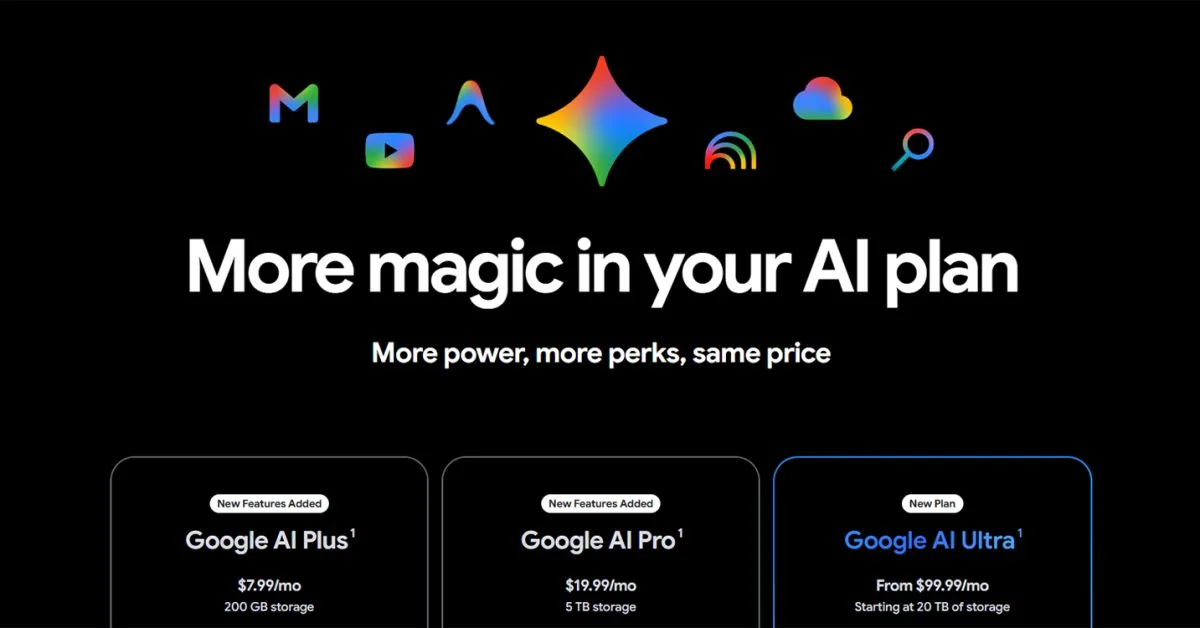
The rollout covers most countries outside the European Economic Area, Switzerland and the UK. The feature is landing first for paid Google AI subscribers — AI Plus, Pro and Ultra — with free users scheduled to receive access “in the next few weeks.” Specific market rollouts have already been announced: India, many Arab-world countries (the company said all except Syria), Japan and other regions. In practice some launches have started on paid tiers and expanded later to free accounts.
Controls, toggles and how to enable it
Google positions Personal Intelligence as opt-in: you enable it inside the Gemini app by going to settings → Personal Intelligence and connecting the apps you want Gemini to read. Once connected, Google says the feature is enabled by default for each prompt, but you can switch it off via a Tools menu toggle in Gemini.
If you want to limit what Gemini can access, connections to Gmail, Photos, YouTube and each supported service are handled separately. You can also turn off activity saving and human review via your Google account settings (Data & Privacy → Activity in Gemini) — though operational retention windows still apply.
Privacy quirks and limits to expect
A few practical notes matter more than the marketing copy:
- Deletion is not instant. Google documents that deleted or updated items in connected apps may not be reflected in Gemini immediately — there can be a delay of several days before changes propagate. That means if you delete an email or a photo, Gemini might still reference it for a short window.
- Short-term storage and human review. Even when activity-saving is disabled, interactions can be retained in Google systems for up to about 72 hours for operational purposes; Google has acknowledged that human reviewers may examine some interactions used to improve models, and recommends not entering anything you wouldn’t want a person to see.
- Mistakes and false connections. Gemini can misread context — for example, assuming you love golf because it sees many photos at a course, when you were actually there for someone else. Google says you can correct the assistant conversationally, but those errors are a real risk when personalization is automated.
- “Does not learn directly” is a narrow claim. Google has said Gemini “does not learn directly from your personal data,” but that wording leaves room for aggregated or anonymized use. Keep in mind the difference between not updating base model weights from your data and storing or using your content for retrieval and response generation.
Why companies are racing here
Personalized agents are the logical next step for large AI players: Microsoft is pushing long-term memory in Copilot, Anthropic offers file-aware agents, and Google’s massive footprint of stored emails, photos and routes gives it a structural advantage. That leverage also makes control and clarity about retention and access all the more important.
If you use Drive heavily, for example, Google’s new AI features for Drive — including ransomware detection and easier file recovery — are part of the same push to bake AI into everyday productivity. And small account tweaks, like renaming Gmail addresses, suddenly matter more when an assistant scans your inbox for context (learn more about Drive's AI protections and how Gmail name changes work).
Gemini is also evolving feature-wise: Google has been adding tools such as Notebooks to help organize personal context inside chats, a move that plays directly into how Personal Intelligence retrieves and reasons about your data (Gemini’s new Notebooks).
Should you try it?
If you enjoy assistants that anticipate details and reduce repetitive explanations, Personal Intelligence will feel powerful — especially for multi-step tasks like planning trips or troubleshooting gadgets. If privacy, data residency or the latency between deletion and reflection worry you, treat the launch as a prompt to check Gemini settings and Google account privacy controls before connecting everything.
This rollout is as much product evolution as policy experiment: Google is making the experience more useful by letting the AI reach into your life, and users will be deciding how much of their digital history they want to share to get that convenience.
Either way, expect more features and more country expansions in the coming weeks — along with more questions about how personal context is stored, used and audited. Check your Gemini settings now if you don’t want an assistant that knows your schedule by default.