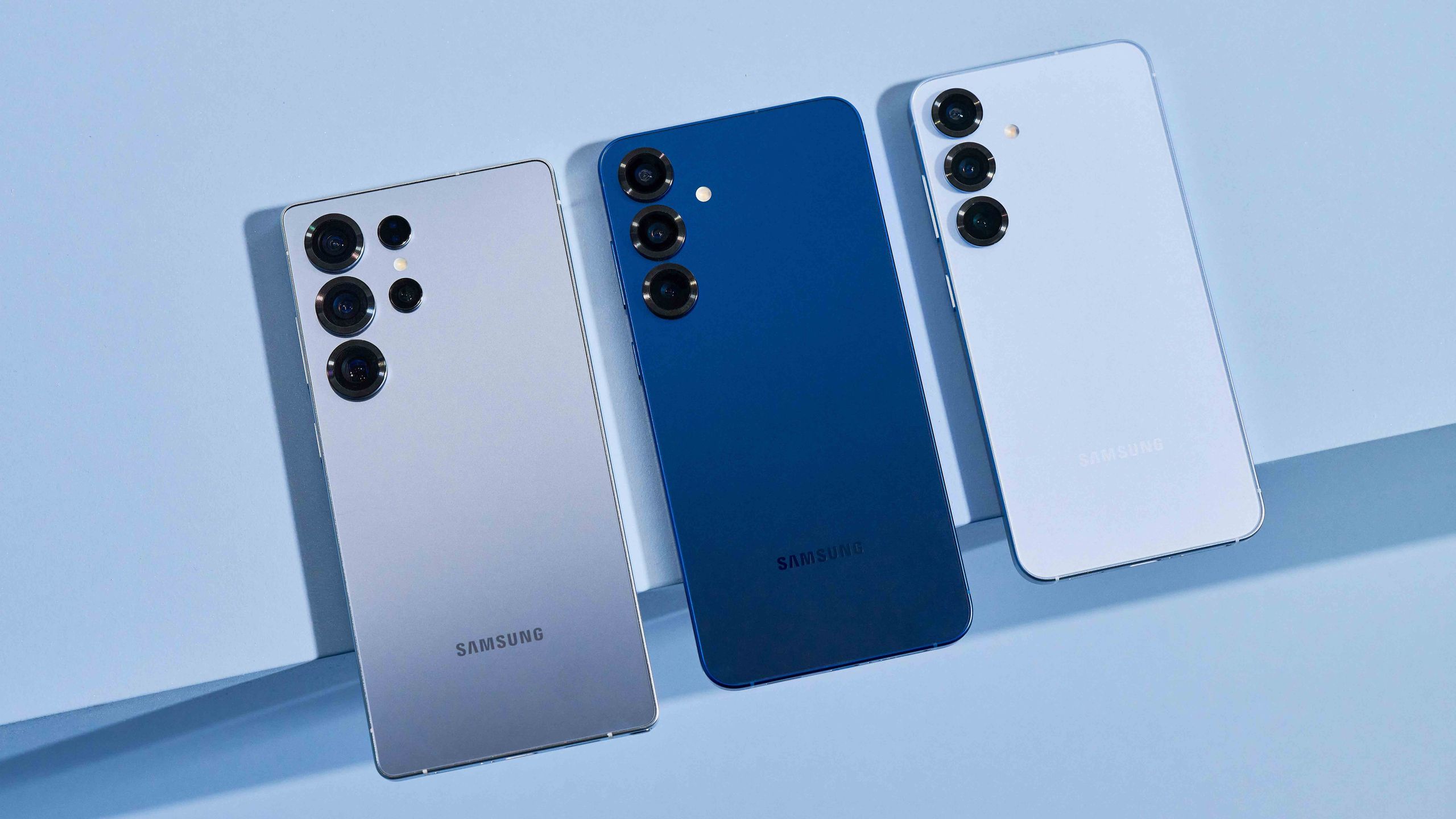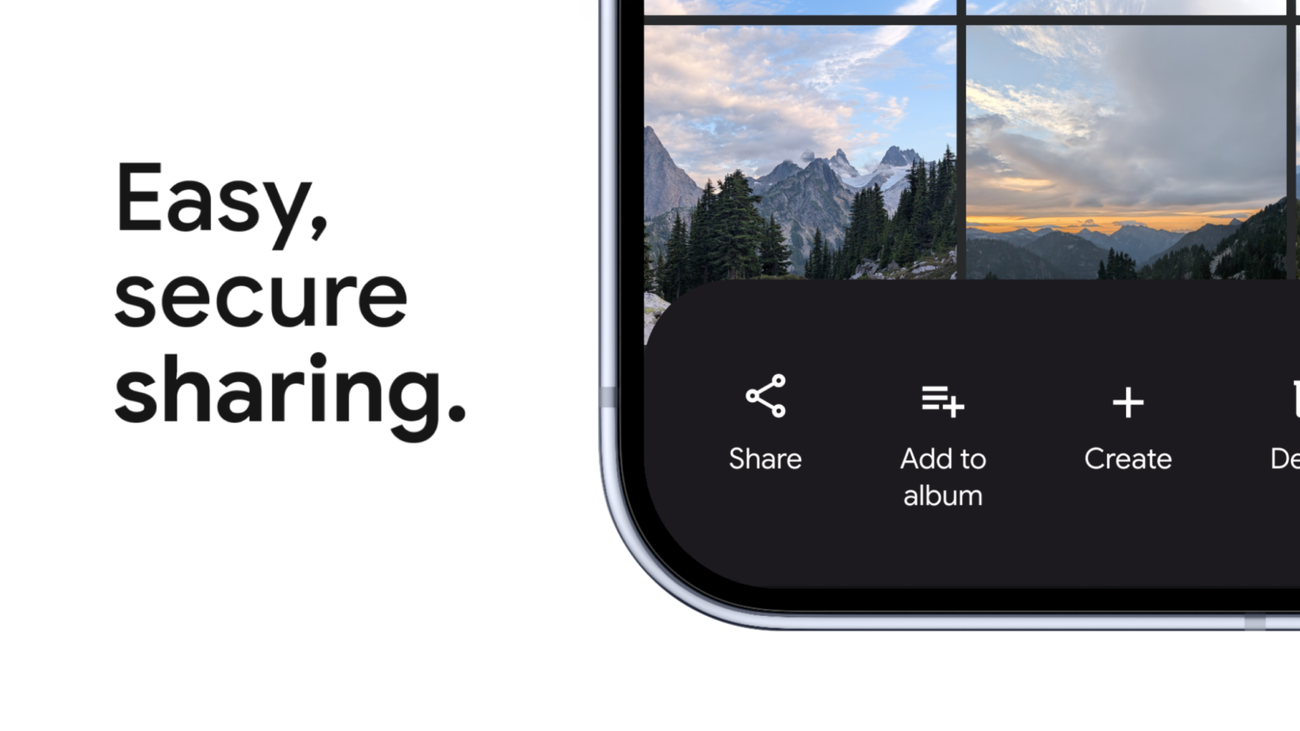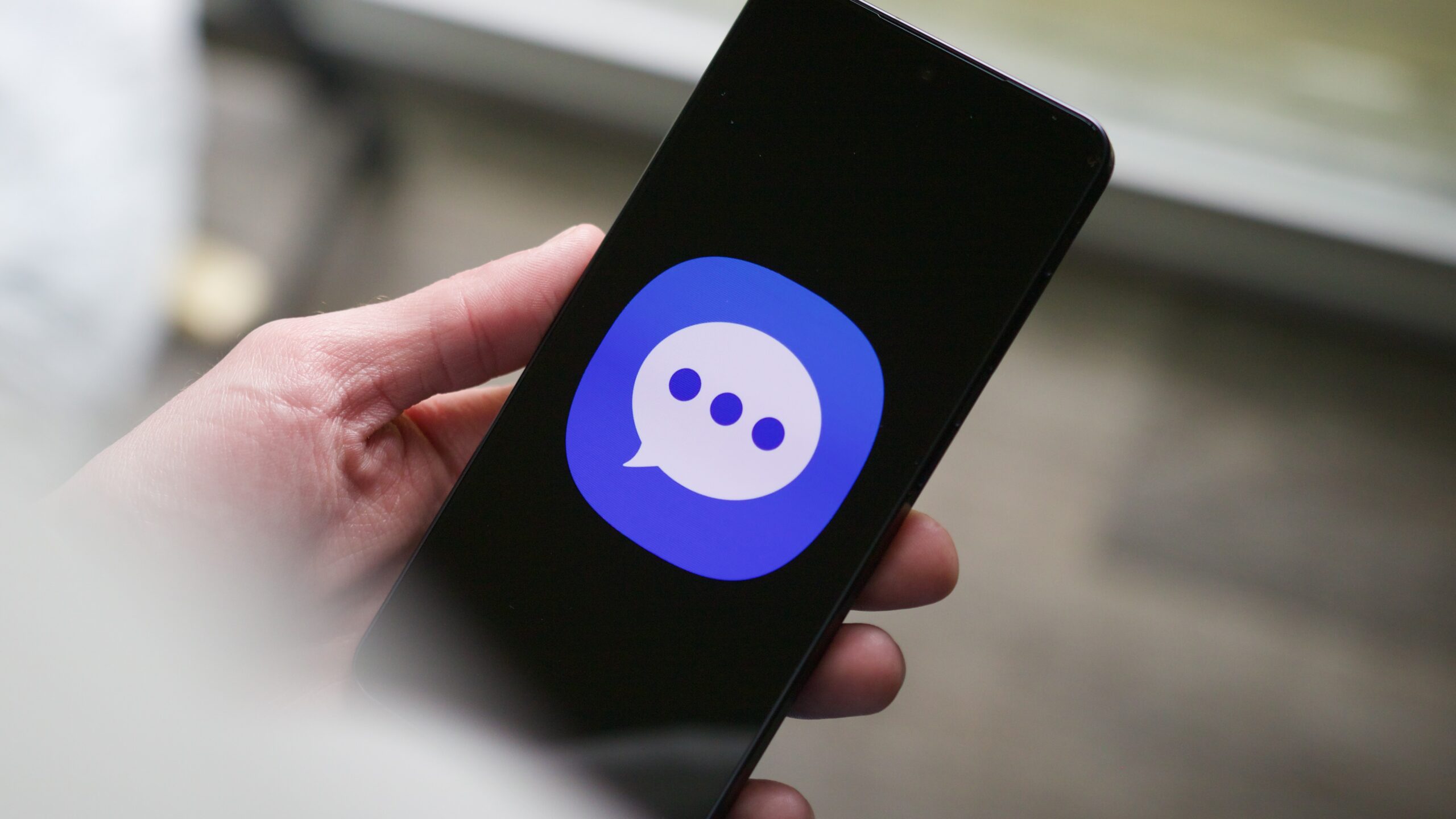
Samsung has told Galaxy owners what many feared: its long-running Samsung Messages app will be retired in July 2026. For most modern Galaxy phones (Android 12 and newer) that means Samsung will push you to switch to Google Messages — and if you’re still using Samsung’s app, now is the time to move your conversation history somewhere safe.
Save your texts before the switch
If you care about the threads, photos, or receipts buried in old SMS/RCS chats, don’t wait until July. There are two reliable, free options that avoid sketchy third‑party tools.
- Local backup (most secure): connect an external drive or SSD to your phone and use Samsung’s Smart Switch. On your phone go to Settings > Accounts and backup > Smart Switch, tap the storage icon, then Back up and select Messages. The app will package your texts into a file you can store locally.
- Cloud backup (handy and cross‑device): back up to Google Drive or Samsung Cloud via Settings > Accounts and backup > Back up data. Google Drive is the more portable choice (15 GB free, works across brands and the web); Samsung Cloud is fine for Galaxy‑to‑Galaxy restores but offers less free storage.
- Chat customization: Samsung lets you pick chat colors and backgrounds. Google Messages currently lacks background images for chats (though code hints suggest custom themes may be coming).
- Chat folders/organization: Samsung Messages supports folders to group conversations — Google doesn’t (filters and a trash folder are different but not the same as folders).
- “Alert when phone picked up”: One UI can vibrate on pickup when you have unread messages, but that behavior has historically depended on Samsung Messages and may not work for Google Messages on some devices.
- Auto‑delete old texts: Samsung offered an option to delete the oldest messages once a thread reached a threshold; Google Messages doesn’t provide an automatic cleanup toggle yet.
- Competition and choice: Users argue losing Samsung Messages removes meaningful competition for Google in Android messaging.
ZDNET’s walkthrough covers both paths in plain language and recommends testing your restore once you’ve backed up — try restoring to another device or checking the backup timestamp so you’re not left guessing.
How to migrate to Google Messages
Download Google Messages (if it’s not already installed) and set it as the default SMS app when prompted. Samsung has published step‑by‑step instructions for switching, and most users on modern Galaxy hardware will be required to make the swap. Note: Samsung hasn’t given an exact shut‑off day in July, so don’t procrastinate.
If you rely on an older Galaxy Watch that uses Tizen, expect limitations: those watches won’t carry over full conversation history once Samsung Messages is deactivated, although newer WearOS watches (Galaxy Watch 4 and later) will continue to access full threads via Google Messages.
Five Samsung Messages features people say they’ll miss
Readers and longtime Samsung users have been outspoken about what makes the app sticky. Here’s what shows up most in complaints and why they matter:
If those features matter to you, factor them into how and when you migrate — and try Google Messages alongside alternatives to see which workflow you prefer.
Encryption, RCS and a messy cross‑platform picture
The timing of Samsung’s announcement intersects with a bigger change in the messaging world. Apple’s iOS 26.5 (now in beta) has reintroduced support for end‑to‑end encrypted RCS in Messages — a major shift toward encrypted cross‑platform texting, but one that’s carrier‑dependent and will roll out unevenly. That means even with E2EE in the standard, real‑world encryption will vary depending on carriers and device combinations.
For Samsung’s part, passing the messaging baton to Google concentrates RCS and Android’s messaging experience under one roof — and reduces the diversity of clients implementing the standard. If you want true cross‑platform encryption now and consistently, many people will still recommend third‑party end‑to‑end options like Signal or WhatsApp.
For more on Apple’s RCS encryption update, see the iOS 26.5 writeup that explains how the rollout will be gradual and sometimes patchy: iOS 26.5 Lands Encryption for RCS — But Only Sometimes; Maps Gets Ads and More Arrives.
Practical checklist (ten minutes to do this right)
1. Back up: Smart Switch to an external drive, or back up to Google Drive (or both).
2. Install Google Messages and set it as default. Open it and confirm new messages arrive.
3. Spot‑check important threads to ensure attachments and history restored correctly.
4. If you use a watch, check how your model accesses threads — older Tizen watches may lose history.
5. Decide whether a different third‑party app better preserves features you care about.
Samsung’s migration page has device‑specific notes; if you want a quick primer on why Samsung is making this move and how it frames the change, our earlier explainer goes into the company’s messaging posture and the switch to Google: Samsung is killing its Messages app — switch to Google Messages by July.
Change in the software world is rarely clean. You’ll lose some custom touches, gain a more unified RCS experience across Android devices, and — unless you take action — risk waking up one morning to find years of texts harder to access. Back them up. Try Google Messages. And if any cherished features disappear, vote with your downloads: competition still matters, even if one app is getting bigger.