Think June’s security patches are routine? This month’s release from Samsung is anything but.
Samsung has rolled out its June 2026 firmware to a growing roster of Galaxy devices, and the package mixes hard fixes with some of the company’s more visible software toys. On the hard side: 45 vulnerabilities patched across Android and One UI components, including an actively exploited privilege‑escalation zero‑day. On the softer side: a few Galaxy AI features that were missing when One UI 8.5 first hit certain phones are finally arriving on older flagships and foldables.
What Samsung patched
The June bulletin bundles fixes from Google and Samsung together — 33 items from Google’s Android Security Bulletin plus 12 Samsung-specific fixes (11 SVE entries and an Exynos driver patch) for a total of 45 vulnerabilities. The most urgent item is CVE‑2025‑48595, a privilege‑escalation bug in the Android Framework that CyberInsider says is already being actively exploited. There’s also a Bluetooth LE issue (CVE‑2026‑0097) notable because it reportedly requires no user interaction to be abused in some scenarios.
Samsung’s own fixes cover One UI services such as Smart Suggestions, Samsung Account, Samsung Cloud and Theme Manager. Exynos‑powered devices (2400/2500/2600 families) also receive an extra DRM HDR driver fix for a potential kernel crash.
Why it matters: privilege escalation bugs can let attackers elevate their access on a phone, and the presence of an actively exploited zero‑day makes this update urgent for affected owners.
New Galaxy AI features arrive where they were missing
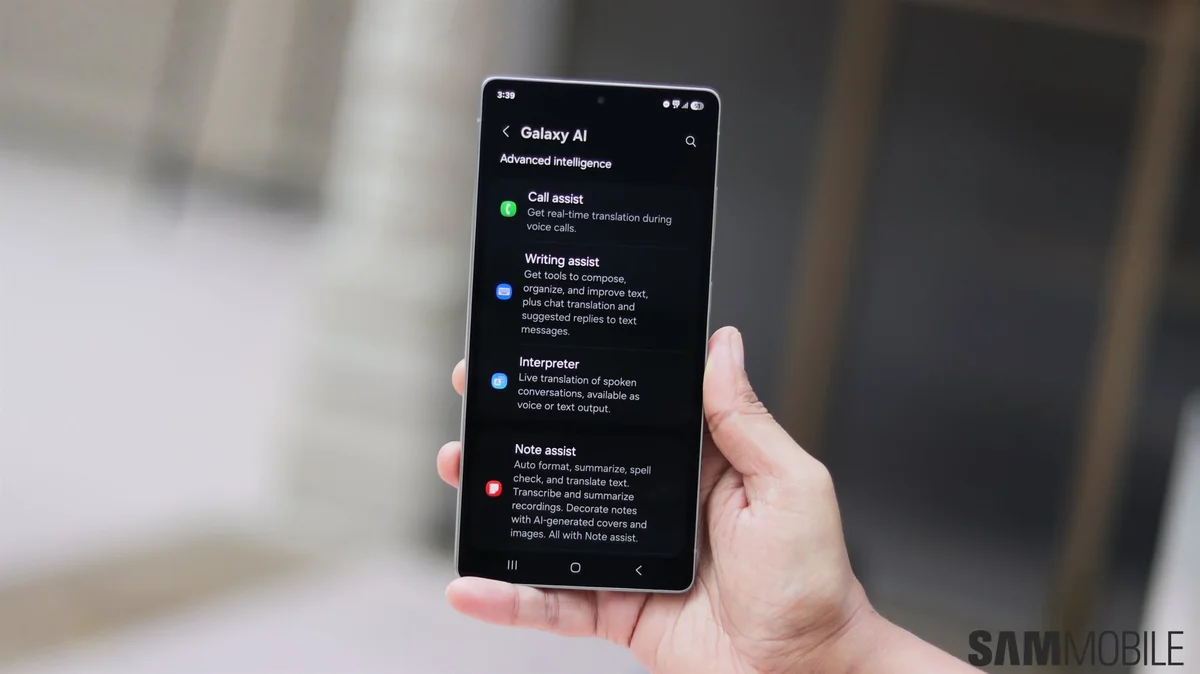
Some of the month’s firmware updates are larger than a normal security patch because Samsung is slipping in One UI feature work that previously didn’t make it to every device during the One UI 8.5 rollout. Owners of the Galaxy S25 series are now getting two Galaxy AI features that debuted on the S26: Prioritise (Priority) Notifications and File Summaries.
- Prioritise Notifications analyzes incoming notifications and lifts the most important one to the top of the list so critical alerts don’t get buried.
- File Summaries can generate short overviews of PDFs and TXT files to help you understand a document’s contents quickly.
Foldables are getting attention, too. The Galaxy Z Fold 7 and the new TriFold have received U‑build updates (often a hint that features were added), and the Z Flip 7 family is included in the rollout. In contrast, the Flip 7 FE appears to have received only the security‑only S build this month.
This move follows earlier signals that Samsung would backfill features it initially left out — you can read more about the company’s change of course on things like AI call screening for the S25 in our coverage of Samsung’s decision to backtrack on S25 AI call screening and broader notes on the One UI 8.5 rollout.
Who’s getting the update and how to install it
The Galaxy S26 family was first in line — beta testers on One UI 9.0 Beta 2 in the US and UK already saw the June patch included in that build. Wider, stable rollouts typically follow by region and carrier; expect major carriers to push the update over the coming days to weeks. Samsung says mid‑range A and M series devices and more foldables will follow in the “coming weeks.”
To check manually: open Settings → Software update → Download and install. If you don’t see the update yet, be patient — Samsung staggers rollouts by region and carrier.
A quick note on urgency
Because at least one of the patched flaws is a zero‑day that’s being exploited in the wild, installing these updates sooner rather than later is a good idea. Even feature‑heavy releases like this month’s can — and should — be treated as security updates first.
If you’re curious about which One UI features changed during the 8.5 rollout or what else Samsung has been moving around between builds, our earlier explainers on the One UI 8.5 rollout are a handy reference.