If you own a relatively recent iPhone, Apple just handed you a tidy pile of treats — and a firm nudge to update. iOS 26.4, released to the public in late March, mixes practical security patches (some urgent), convenience changes and a handful of fun user-facing features: new emoji, AI‑generated playlists, offline song recognition and accessibility tweaks that address complaints about the Liquid Glass interface.
Why you should not delay
Apple shipped more than three dozen security fixes in this release: kernel patches, WebKit hardening, Keychain fixes and a Siri exploit closure that could — in the worst case — let someone with physical access see sensitive data on a locked phone. On top of these patches, Apple turned on Stolen Device Protection by default for everyone. That feature, introduced after a spate of clever theft hacks, makes certain sensitive actions require Face ID or Touch ID (or impose a time delay) when your iPhone is away from familiar locations.
All that adds up to a simple rule: update. Out of the gate, security-conscious users and anyone who stores passwords, banking apps or health data on their handset should install iOS 26.4 as soon as practical. The release also reduces the attack surface for newly public exploits — a timely fix given ongoing concerns about leaked tools and proofs of concept that target iPhones. For background on those types of threats, see coverage of the recent iPhone exploit leak and why it matters DarkSword leak puts hundreds of millions of iPhones at risk — and it’s frighteningly easy to use.
The snazzy stuff: music, emoji and podcasts
Apple didn’t forget pleasure while patching holes. Apple Music gets a new Playlist Playground that can craft a 25-song playlist from a simple text prompt — think “sunrise run” or “90s slow jams” — and then refine it with follow-ups. That feature is rolling out in the U.S. first. The app also adds a “Concerts Near You” pane (Ticketmaster data), immersive album/playlist backgrounds and an ambient music widget for Home and Lock screens.
Offline song recognition now queues Shazam-style results when you’re disconnected and serves them once you’re back online — handy for discovering that one track you heard in a subway tunnel. Podcasts finally support video episodes via HLS so creators can upload video shows that integrate with Apple’s recommendations and offline downloads.
And, yes, eight new emoji arrive: distorted face, ballet dancer (with skin‑tone options), treasure chest, hairy creature (Sasquatch), orca, trombone, landslide and a cartoon fight cloud.
Little changes that add up
Beyond headline features, iOS 26.4 smooths out many small but meaningful annoyances:
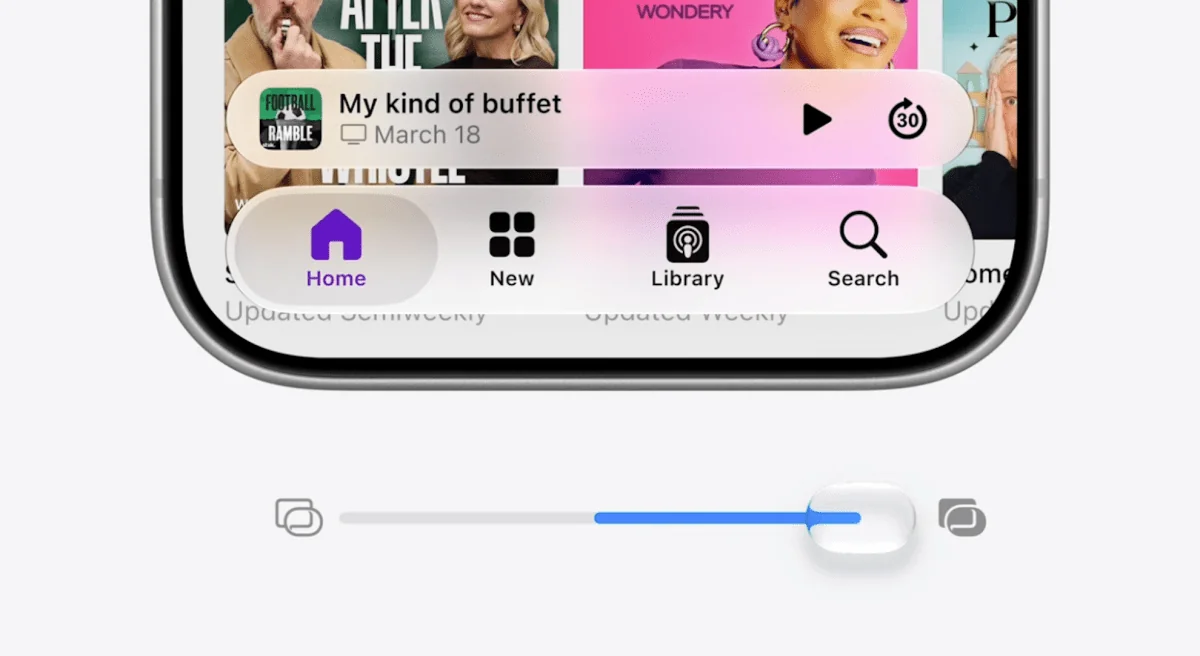
- Reduce Bright Effects and improved Reduce Motion make Liquid Glass animations less jarring for sensitive users — a relief for people who’d flagged the interface as too flashy. Read more about how iOS 26.4 softens Liquid Glass and other tweaks iOS 26.4 softens Liquid Glass, adds emoji and music tweaks — macOS gets battery smarts.
- Reminders gets an Urgent flag and a corresponding Smart List filter so important tasks actually behave like emergencies.
- Freeform gains Creator Studio content and AI image tools for subscribers, plus a redesigned icon.
- The Keyboard bug that dropped characters while typing fast has been fixed — a small but noticeable quality-of-life win.
- The Camera app adds Audio Zoom to focus recorded sound on the subject when you zoom while filming video (toggleable in settings).
- Family Sharing adults can now use their own payment methods instead of routing purchases through the family organizer.
CarPlay, Shortcuts and accessibility
CarPlay users can now launch third‑party voice AI assistants — apps like ChatGPT, Gemini or Claude can be used hands‑free for queries — though they won’t control car or phone functions and there’s no wake‑word activation; you’ll need to start the app first. Shortcuts received a Set Charge Limit action, and Live Captions added Chinese (Taiwan).
Health, Passcodes and iCloud tweaks
The Health app adds an Average Bedtime metric and shows blood oxygen in the Vitals line graph. In Settings, iCloud gained a new iCloud.com section with an Allow Search toggle for trusted devices. Passcode option text alignment is tidier now (centered) — the sort of micro‑fix only people who dig through settings will notice.
Who gets it and how to install
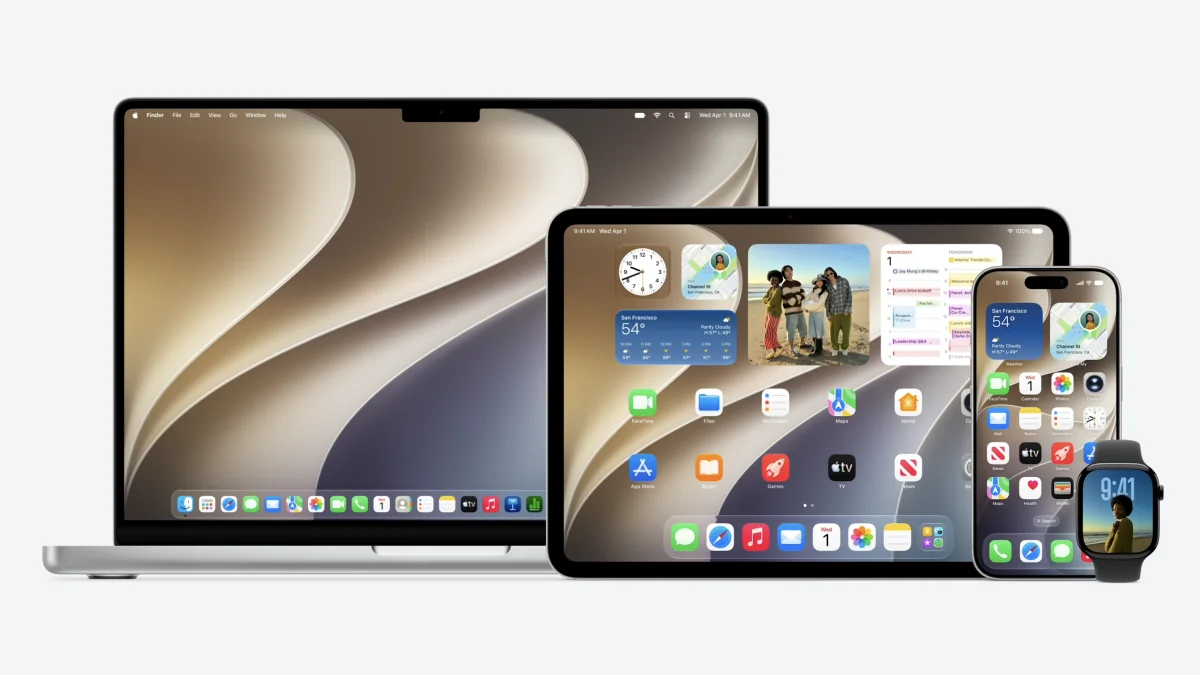
iOS 26.4 is available for iPhone 11 and later; compatible iPad models back to some 2018-era devices receive iPadOS 26.4. To install, go to Settings → General → Software Update and follow the prompts.
This update blends urgent security work with a sprinkle of fun and several accessibility and workflow improvements. If you’re on the fence: the fixes protect your data, Stolen Device Protection now runs by default, and there are enough small upgrades to make everyday use a little nicer. Not bad for one download.