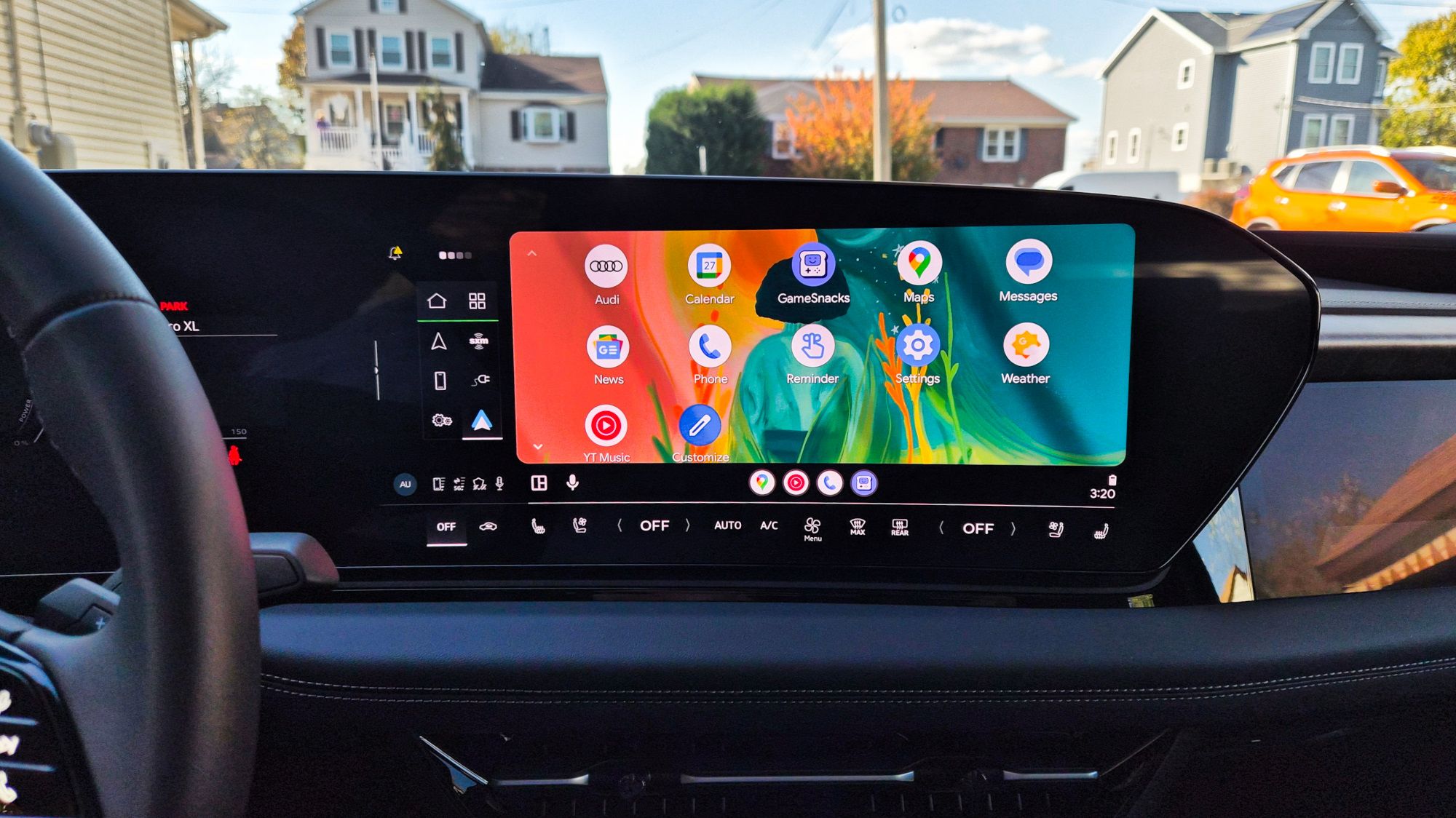
Something that should be seamless—plugging your phone into the car and getting maps, music and messages—has gone sideways for a noticeable number of Android users.
Drivers of new Samsung Galaxy S26 handsets and several Google Pixel models are reporting that Android Auto stops behaving after a recent round of updates. The complaints range from intermittent wired connections that repeatedly drop and reconnect, to infotainment screens going black, to Pixel phones that now require you to unlock the device before Android Auto will start over USB.
What people are seeing
Accounts collected from support forums and Reddit paint a messy picture. On the Galaxy S26, users describe Android Auto connecting, then disconnecting, then reconnecting in a loop. Some say the car’s head unit shows only a black screen, or that specific apps refuse to load. Many of the affected S26 reports involve wired connections; a smaller subset mentions wireless problems.
Pixel owners are experiencing a related but distinct problem. Following a March Android Auto update, multiple Pixel users say they must unlock their phone to launch Android Auto over USB—despite having the “Start Android Auto while locked” setting enabled and Bluetooth trusted devices configured. That breaks the usual one-plug-and-go experience.
Frustration has run high. Some S26 buyers have even considered returning their phones before the 15-day window closes, while forum threads fill with posts from users troubleshooting in real time.
Why this might be happening
There’s no single confirmed culprit yet. Two primary theories have emerged from users and forum moderators:
- Android’s Advanced Protection / USB protection features: Several reports suggest Advanced Protection (which bundles USB protection among other security controls) can reset USB permissions and block Android Auto from starting. That would explain why unlocking the Pixel temporarily restores functionality.
- Interactions with Samsung software: A number of Galaxy S26 owners found that Samsung’s SmartThings or Easy Connection features interfered with Android Auto, and turning those elements off (or uninstalling SmartThings) fixed the connection for some people.
- Start Android Auto from the car’s infotainment screen instead of relying on the phone to auto-launch.
- Toggle or disable SmartThings Easy Connection features; in some cases uninstalling SmartThings fixed the S26 behavior.
- Factory reset: a few users report that wiping and restoring the phone cleared the issue (obviously a heavy-handed option).
- Roll back Android Auto to an older APK or wait for a new patch that addresses the bug.
- Unlock the phone when connecting (for Pixel users) as a short-term fix until a proper update arrives.
Google has acknowledged the Pixel USB/unlock issue in its community support threads, though it hasn’t published a timeline for a fix. Samsung hasn’t issued a public statement about S26-related reports.
Workarounds people are trying
Nothing universal has emerged yet, but several community-tested workarounds have helped some users:
If you depend on Android Auto daily, these stopgaps may be inconvenient but they can keep you on the road until an official patch lands.
Where this leaves drivers—and what to watch for
Google’s support teams have at least acknowledged the Pixel USB problem, so a targeted fix seems likely; timing, however, is unclear. Samsung users have less visibility into whether the company is investigating the S26-specific reports.
In the meantime, expect lively forum threads and potential small updates from both companies: patches for the Android Auto app, or firmware/OS tweaks that address USB permission handling and SmartThings interactions. Rapid OS and app updates are par for the course these days, whether it’s an iPhone tweak or an Android patch (see how recent platform updates have rolled out in other ecosystems like iOS) — for context on how vendors sometimes ship follow-up fixes, check coverage of iOS 26.4 updates and tweaks.
If you’re hit by this bug: document what you try, note whether wired or wireless connections are affected, and report it through your phone maker’s support channels as well as Google’s Android Auto forum. That helps prioritize a fix faster than isolated posts.
This is still an unfolding story. Expect incremental fixes, more reports, and, likely, a more permanent software patch from Google (and perhaps tuned behavior from Samsung) in the coming days.